 Maplace.js
Custom markers and popups
Places on a map: one pin, markers with image icons or your own markup, HTML markers with hovered and selected looks in your CSS, a place card in each popup, and pins a visitor adds with a click and drags.
Examples
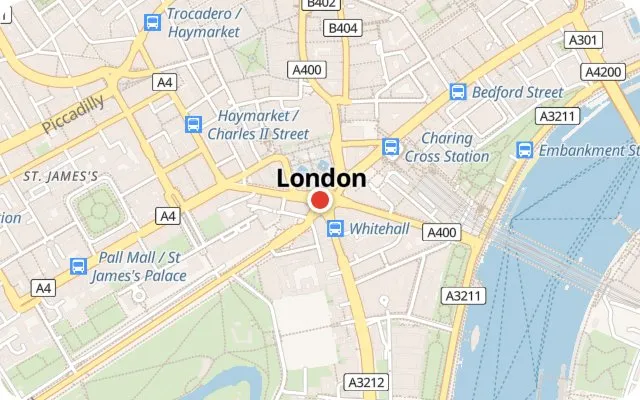 One marker
The smallest map there is: one location, drawn as one marker.
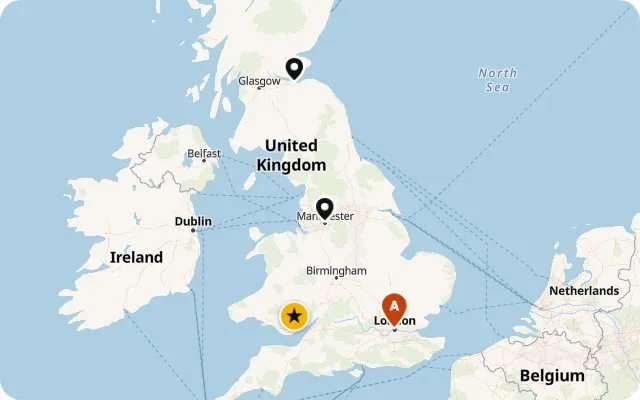 Custom marker icons
One pin for every marker, an image icon, an icon of your own markup, and a place with its own zoom.
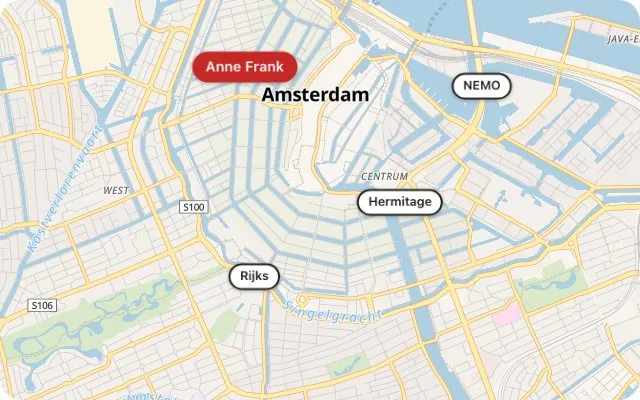 HTML markers with CSS states
Markers made of your own HTML, their hovered and selected looks in your CSS.
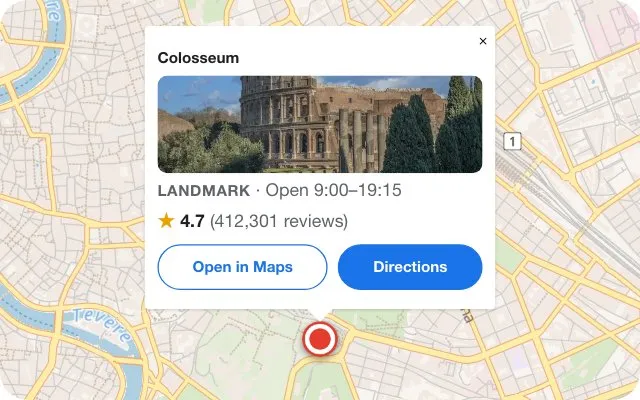 Place cards in popups
A place card in each popup: photo, rating, hours, and buttons to open it in Maps or get there.
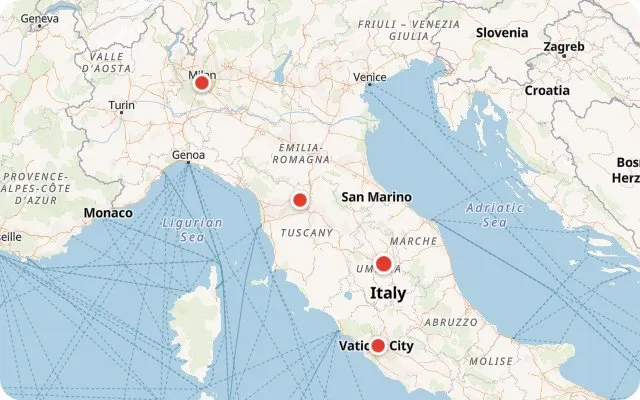 Click to add and drag markers
A click on the map adds a pin there, and every pin drags to a new place.
Map images: © OpenStreetMap contributors, © OpenMapTiles, OpenFreeMap.
Reference
Markers, from the Locations reference
| Field | Type | What | In HTML |
|---|---|---|---|
lat, lng |
number |
Where it is: lat from -90 to 90, lng from -180 to 180 |
lat, lng |
icon |
Icon |
A custom marker in place of the provider’s own | icon (a URL), or a <template data-icon> child |
weight |
number |
Its weight on a heatmap, against the other markers’ (1.2); 1 when unset |
Popup options, from the Store reference
| Option | Type | What |
|---|---|---|
maxWidth |
number |
The popup’s maximum width, in pixels |
offset |
[x, y] |
Pixel offset from the anchor. Default [0, 0] |
openOn |
"click" | "hover" |
What opens it. Default "click"; with "click", closing it deselects; with "hover", the selected location’s while nothing is hovered |
openInMapsLink |
boolean |
Adds a link at the end of a popup, to the location on the provider’s maps site: Google Maps on Google, OpenStreetMap on MapLibre |
openInMapsLabel |
string |
The words of the link to the provider’s maps site; default “Open in Maps”; does nothing without openInMapsLink |
directionsLink |
boolean |
Adds a link at the end of a popup, to directions to the location, from wherever the site starts: Google Maps on Google, OpenStreetMap on MapLibre |
directionsLabel |
string |
The words of the link to directions; default “Directions”; does nothing without directionsLink |